NAB Show
Download the App.
NAB Show Mobile App
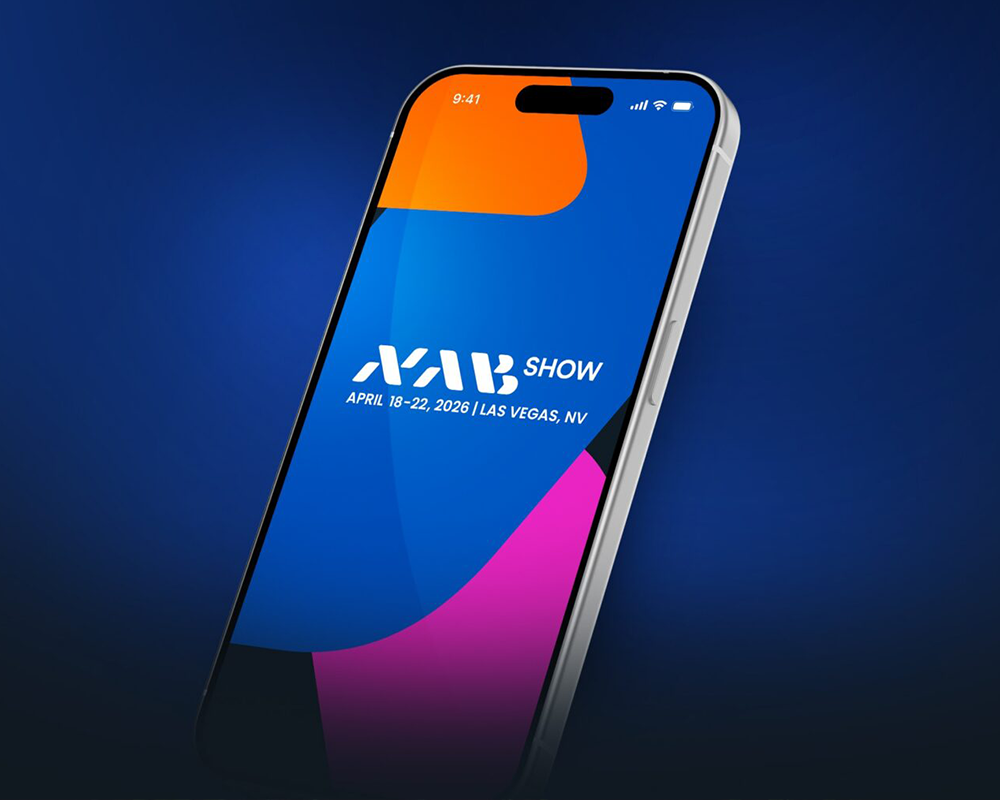
The NAB Show mobile app is designed to help you plan ahead, navigate the Show and make meaningful connections on-site. Download now or search your app store for “NAB Show 2026.”
App Features
Together, these features streamline discovery, improve navigation across the campus and make it easier for attendees to connect with the right people and opportunities before and during the Show.
Build a personalized schedule and bookmark must-see exhibitors.

Receive tailored recommendations for exhibitors, sessions and connections based on your interests.
Get step-by-step navigation across the Las Vegas Convention Center campus.

Securely exchange contact information via QR code for seamless on-site networking.

Connect one-to-one with attendees through direct messages.
Signing into the NAB Show App
Sign into the app using:
- The email address you used to register.
- Your registration ID.
Your registration ID is a 4- or 5-digit code that is provided in your registration confirmation email, and it appears on your NAB Show badge.
In your registration confirmation email, your registration ID appears both underneath the QR code and next to your name in “The Items You Signed Up For” section.
If you cannot find your registration confirmation email, you can get another copy by signing into the registration platform and clicking the orange “Confirmation” button on your dashboard.
If you still cannot find your registration ID, or you have questions about your registration, contact [email protected].
Need more help with the NAB Show App? Contact [email protected].