
NAB Show
Promote Your Session.
Marketing Assets for Speakers
Speaking and moderating a panel at NAB Show New York are achievements worth sharing. We’ve curated marketing resources to help you promote your session and connect with even more attendees before you take the stage.

Tip: include #NABShowNY in every post to join the conversation.
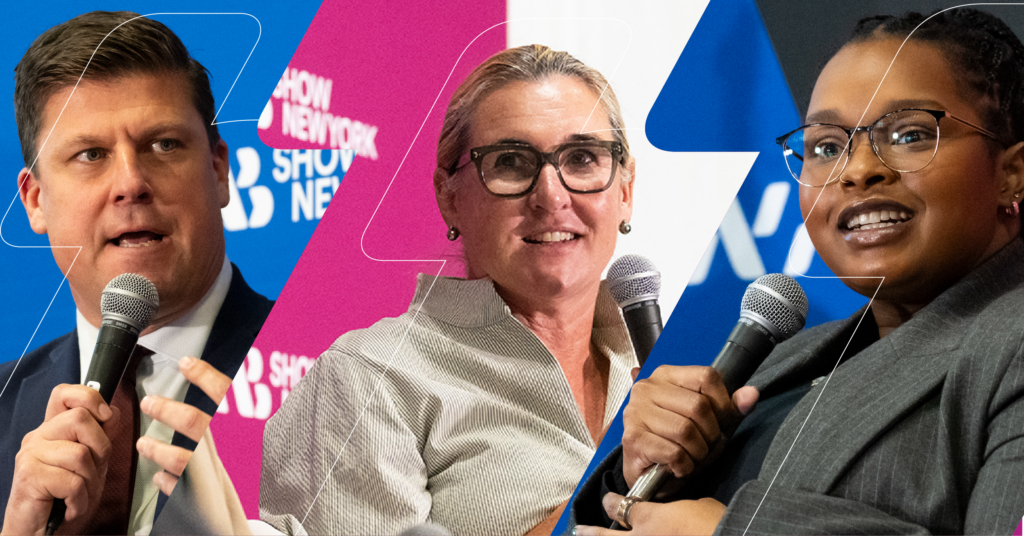
Share Custom Graphics
Create personalized social posts using your session information and approved speaker headshots. Multiple sizes included for LinkedIn, Instagram, Facebook and X.
How it works:
- Go to your speaker dashboard.
- Find “My Tasks” and click “Open Gleanin Link: Share Custom Social Assets for Your Session.”
- Click on the link to open the social sharing tool.
- Choose a layout featuring you or a layout featuring all session participants.
- Personalize the suggested message.
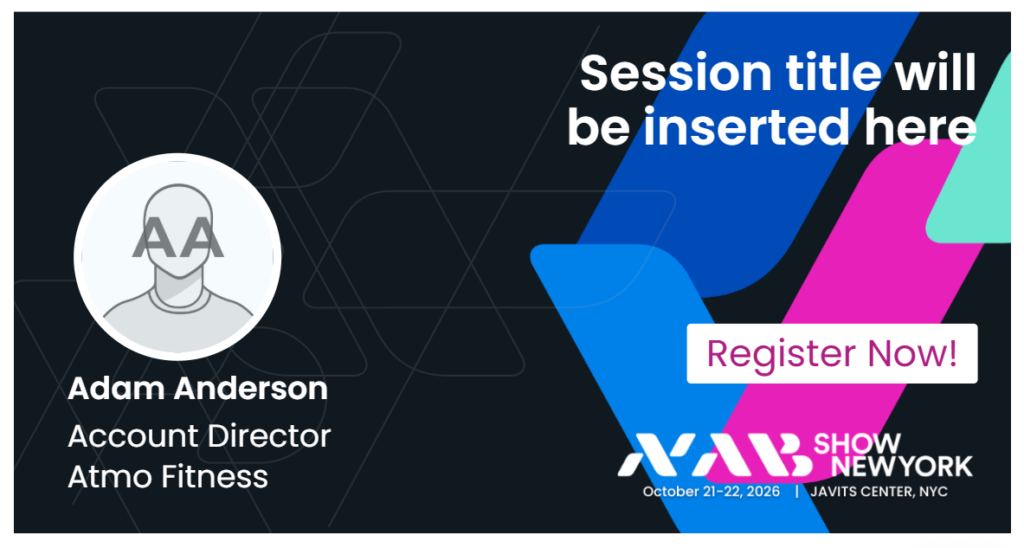
Design Your Own Promo Graphics
Prefer to create your own social content? Use the NAB Show New York Style Guide for approved logos, colors, imagery and creative assets to keep your posts aligned with the event brand.

Approved logos and colors

Event imagery and templates

Best practices and examples
Create a Video Post
Make your announcement more personal. Use the NAB Show New York video templates to create on-brand videos that highlight your session and why attendees should join you.
Short, on-brand videos get more attention.
Add your video and session details, then share on LinkedIn, Instagram, Facebook, or X.